
Most people who take a consumer DNA test never open their raw data file. There’s rarely a reason to, since the testing company’s app or website already presents the ethnicity estimate and match list in a polished, easy-to-read format. But that raw file, sitting quietly in an account’s settings menu, contains far more than what shows up on the main dashboard, and it can be used well beyond the platform that originally generated it.
This is a practical, beginner-friendly walkthrough of what that file actually is, how to get a copy of it, and what it can realistically be used for once it’s downloaded. None of this requires technical expertise. It just requires knowing where to look and what the options actually are.
What a Raw DNA File Actually Looks Like
A raw DNA file is a plain text document, typically small enough to email, usually somewhere between 10 and 25 megabytes. Opened in a text editor, it looks like a long list of rows, each one representing a single genetic marker. A typical row includes an ID number for that specific marker, the chromosome and position where it’s located, and the genotype detected at that spot, usually represented as a pair of letters like AA, AG, or GG, corresponding to the DNA bases present at that location.
It isn’t formatted to be read casually, and there’s no need to try to interpret it by eye. Its value comes from feeding it into software built to make sense of it, whether that software focuses on ancestry, relative matching, or health-related genetics.
How to Download Your Raw DNA Data From Major Testing Companies
Every major consumer DNA company allows users to download their own raw data, typically through account settings. On AncestryDNA, this is found under DNA settings within a user’s profile. On 23andMe, it’s available under the account’s data download or settings section. MyHeritage and FamilyTreeDNA both offer similar options within their respective account or DNA management pages. The exact menu labels shift occasionally as these companies update their interfaces, but the option is consistently present across all of them, usually clearly labeled as something like “download raw data” or “download DNA data.”
Downloading typically takes just a few clicks, though some companies require account verification or a short waiting period before the file becomes available, largely as a security measure to confirm the request is coming from the account owner.
What You Can Actually Do With It
Once downloaded, a raw DNA file can be uploaded to a range of other platforms, each offering something different from the original testing company. Uploading to a different ancestry platform, such as MyHeritage or FamilyTreeDNA, can surface new relative matches from that platform’s separate database, since match pools don’t overlap between companies. Specialized tools like chromosome browsers allow more detailed analysis of shared DNA segments with specific matches, useful for anyone doing deeper genealogical research. Health-focused platforms, including SelfDecode, accept uploaded raw DNA files to generate reports on health-related genetic pathways using markers the original ancestry company never analyzed.
In short, the same file can be put to work in several different directions at once, without needing to purchase multiple separate tests.
Storing Your Raw DNA File Safely
Because a raw DNA file contains sensitive personal information, it’s worth treating it with a reasonable level of care. Storing the file in a password-protected cloud storage account or an encrypted folder is generally a sound practice. Avoid uploading it to unfamiliar platforms without first checking that company’s privacy policy, and be thoughtful about email attachments if sharing the file with a relative for genealogy purposes, since email isn’t always the most secure transfer method.
Common Mistakes People Make With Raw DNA Data
A few avoidable missteps come up often. Some people never download their raw file at all, missing the opportunity to use it beyond the original testing company entirely. Others download it once and then lose track of where it’s saved, making it harder to find later when a new platform requests it. And some people upload their file to lesser-known platforms without checking basic privacy practices first, which is a reasonable thing to verify before sharing sensitive genetic information anywhere new.
Using Your Raw DNA File With SelfDecode
For anyone interested in the health side of their existing raw DNA file, SelfDecode, a genetics and health analysis platform, accepts uploads directly from AncestryDNA, 23andMe, MyHeritage, and FamilyTreeDNA files. Once uploaded, SelfDecode generates organized reports covering areas like inflammation, metabolism, and mood-related pathways drawn from the same data originally collected for ancestry purposes.
It’s worth being clear that an uploaded file only provides a limited preview of this analysis. Since it was originally generated by a different company’s lab using different chip technology, it may not include every marker SelfDecode’s system is built to analyze, and the resulting report is narrower than what a sample processed directly through SelfDecode’s own lab would provide.
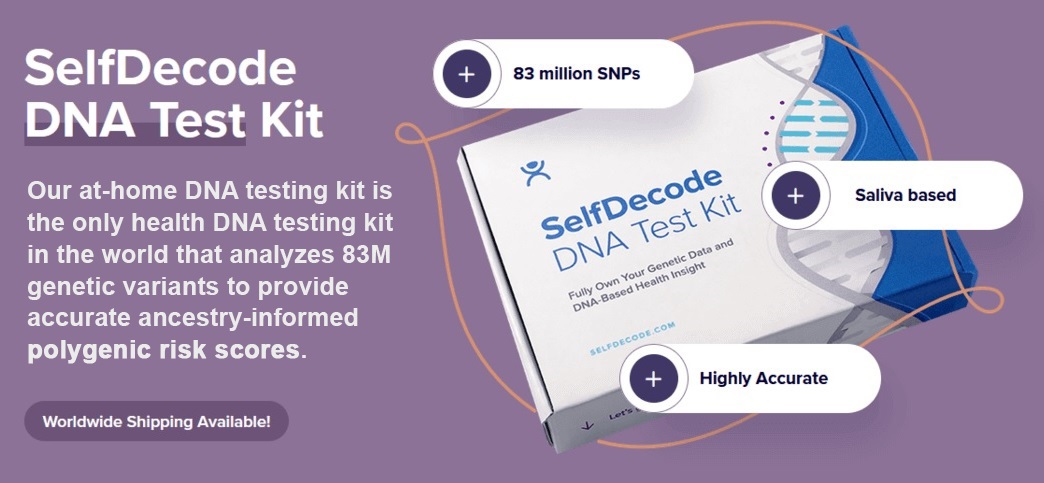
For a fuller picture, including a broader panel of health reports beyond what an uploaded file offers, the SelfDecode At-Home DNA Test Kit, priced at approximately $99, processes a new sample through SelfDecode’s own lab from the start.
A raw DNA file is a genuinely reusable piece of personal data, one that most people download once, if ever, and then forget about. A few minutes spent locating and downloading it opens up considerably more than what any single testing company’s dashboard ever shows.
Frequently Asked Questions
What is a raw DNA file?
It’s a plain text file containing a list of specific genetic markers read during DNA testing, including each marker’s location and the genotype detected there. It’s the underlying data behind ethnicity estimates and other reports a testing company generates.
How do I download my raw DNA data?
Most companies, including AncestryDNA, 23andMe, MyHeritage, and FamilyTreeDNA, offer a raw data download option within account settings, usually requiring brief account verification before the file becomes available.
Can I upload my raw DNA file to more than one platform?
Yes. The same file can be uploaded to multiple platforms, including other ancestry sites for additional relative matches and health-focused platforms for genetic health reports, without needing separate DNA tests.
Is it safe to store my raw DNA file on my computer?
Generally yes, especially with reasonable precautions like password-protected or encrypted storage. It’s worth avoiding uploads to unfamiliar platforms without first checking their privacy practices.
Do I need any technical skill to use my raw DNA file?
No. Downloading and uploading a raw DNA file typically just involves a few clicks through account settings on both the original testing company’s site and the new platform receiving the file.