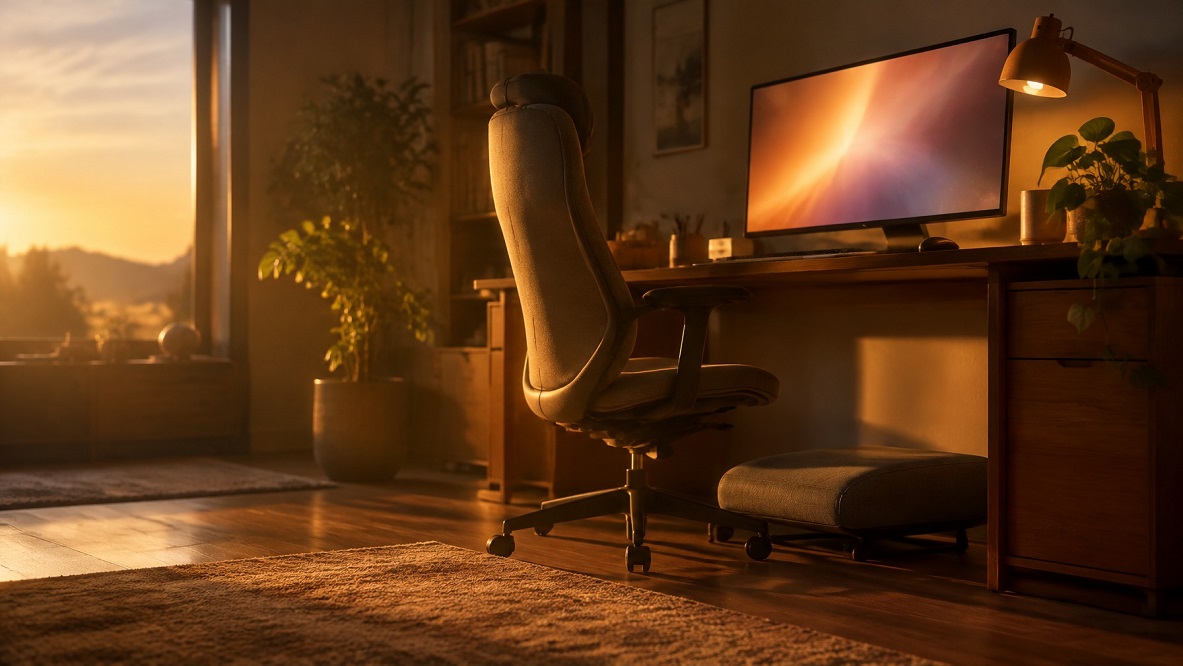
To set up your desk for long research sessions, sit back in a supportive chair with your feet flat, place your screen about an arm’s length away, keep your wrists straight at the keyboard, reduce glare, and arrange your documents in line with the screen. Add short breaks, and you will be able to work comfortably for longer.
Start With a Supportive Chair and Flat Feet
Your chair is the foundation of your setup. The Cornell University Ergonomics Web recommends a chair with a flexing backrest, sitting back against it, and resting your feet flat on the floor or on a stable footrest.
If your chair is not adjustable, you can improvise. A small cushion can support your lower back, and a sturdy box or a stack of books can serve as a footrest when your feet do not reach the floor. The goal is to feel supported without having to hold yourself up.
Position Your Screen at a Comfortable Distance
Where you put your screen affects your neck, your eyes, and your concentration. Cornell’s guidance suggests sitting about an arm’s length from the screen. Harvard Health gives a similar range of about 20 to 26 inches and suggests placing the center of the screen slightly below eye level.
Advice on exact height varies, so adjust until your neck stays relaxed. You should be able to read without tilting your head up, craning forward, or hunching. If you use a laptop, raise it on a stand or a stack of books and use a separate keyboard and mouse, so the screen and your hands can each sit at a comfortable height.
Keep Your Wrists and Arms Relaxed
Typing and mouse work fill a research day. Cornell recommends keeping your wrists flat and straight in line with your forearms, with your arms and elbows relaxed near your body. It also advises centering your monitor and keyboard in front of you and using a stable work surface that does not bounce.
Check your posture whenever you notice tension. If your shoulders creep up toward your ears or your wrists bend upward, adjust your chair height or keyboard position. Small changes can make a long session feel noticeably easier.
Control Glare and Lighting
Glare forces your eyes to work harder. Harvard Health recommends matching your screen brightness to the room, angling the screen away from windows and overhead lights, and considering a matte screen filter. Cornell also advises eliminating glare, using an anti-glare filter if necessary.
For paper documents, add a task lamp that lights the page without shining on your screen. Position the lamp on the opposite side of your writing hand, so your hand does not cast a shadow on your notes.

Arrange Documents and Notes Within Easy Reach
Constantly turning your head or reaching can add up over a long session. Cornell suggests placing a document holder in line with the screen, so you are not repeatedly looking down and sideways. Build the rest of your layout around the same idea:
- Keep your notepad and pen on your writing-hand side.
- Place reference books and files within an easy reach.
- Use a second monitor, or two windows side by side, for records and notes.
- Keep a magnifier handy for faded handwriting.
- Store water within reach to avoid unnecessary trips.
Build Movement Into Your Research Routine
No setup is perfect for hours on end, so build in movement. Cornell’s ergonomics page recommends frequent short microbreaks. A separate Cornell page describes microbreaks as rests of about two to ten minutes and reports that a systematic review found they increased vigor and reduced fatigue.
Set a timer for every 45 to 60 minutes. Stand up, stretch your neck and shoulders, walk around, and look into the distance. Some researchers also like to alternate between sitting and standing at a raised surface during the day.
Adjust One Thing at Your Desk Today
You do not have to redo your whole workspace at once. Pick one change, such as moving your screen to an arm’s length or adding a footrest, and try it for a week. Then add another. Small adjustments can make long sessions more comfortable and leave you with more energy for the research itself.
Frequently Asked Questions
Do You Need Expensive Furniture for Good Ergonomics?
No. Many improvements cost very little. A cushion, a footrest made from a box, a laptop stand made from books, and a separate keyboard can all help. Focus on adjusting what you already have.
How Do You Set Up a Laptop for Long Research Sessions?
Raise the laptop so the screen is at a comfortable height, and use a separate keyboard and mouse. That lets you position the screen and your hands independently. Without an external keyboard, limit your sessions and take more breaks.
How Often Should You Adjust Your Setup?
Check it whenever you feel discomfort, and review it every month or so. Changes such as a new chair, a new monitor, or a different room may call for fresh adjustments. Small, regular tweaks work better than one big overhaul.
What If You Still Feel Discomfort After Adjusting Your Desk?
Talk with a healthcare provider or a qualified ergonomics professional. They can look at your whole setup and your health history. Do not ignore ongoing pain, tingling, or discomfort.